Scan, then select
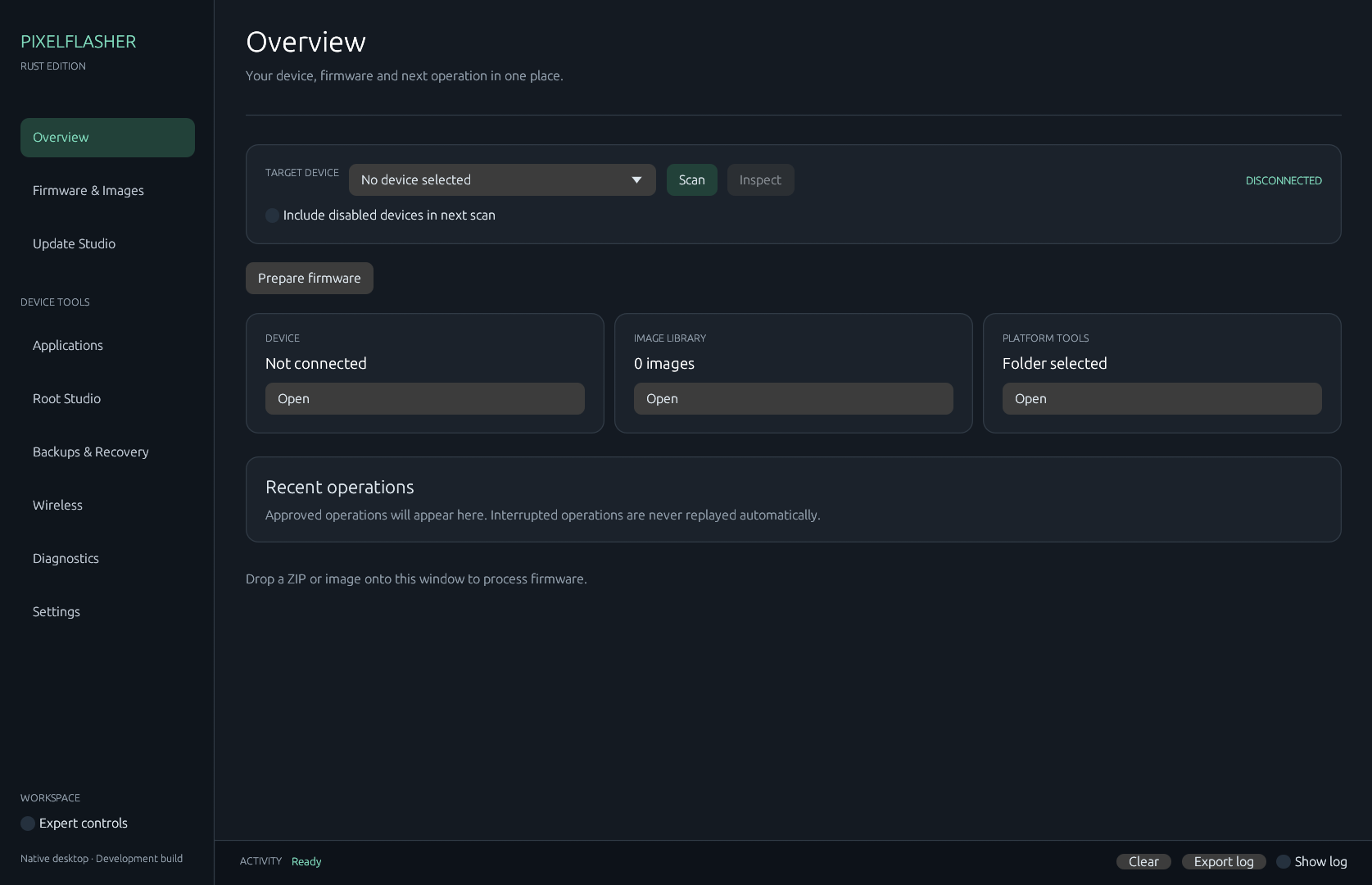
Platform-tools stay quiet until you press Scan. Pick the device before you prepare anything.
Version 0.3.4 · Windows x64
A native desktop for Pixel firmware and device operations. This is a development preview of PixelFlasher, not a drop-in replacement, and it has not been validated on a phone.
The rule
The app does not scan on launch, and it does not embed the Python original. A device write stays a frozen plan until you review the target and type that device's confirmation.
Platform-tools stay quiet until you press Scan. Pick the device before you prepare anything.
Factory, OTA, image, and live-boot operations show the commands, files, and choices before they run.
Destructive work asks for a typed confirmation tied to that phone. Stopping later cannot undo a write that finished.
Choose
Native Windows interface. Partial port. Use it only if you will treat every device write as unproven. See the workspaces.
The maintained Python application. Use it when you need the full tool, other platforms, or behavior this preview does not have. Open upstream.
Inside
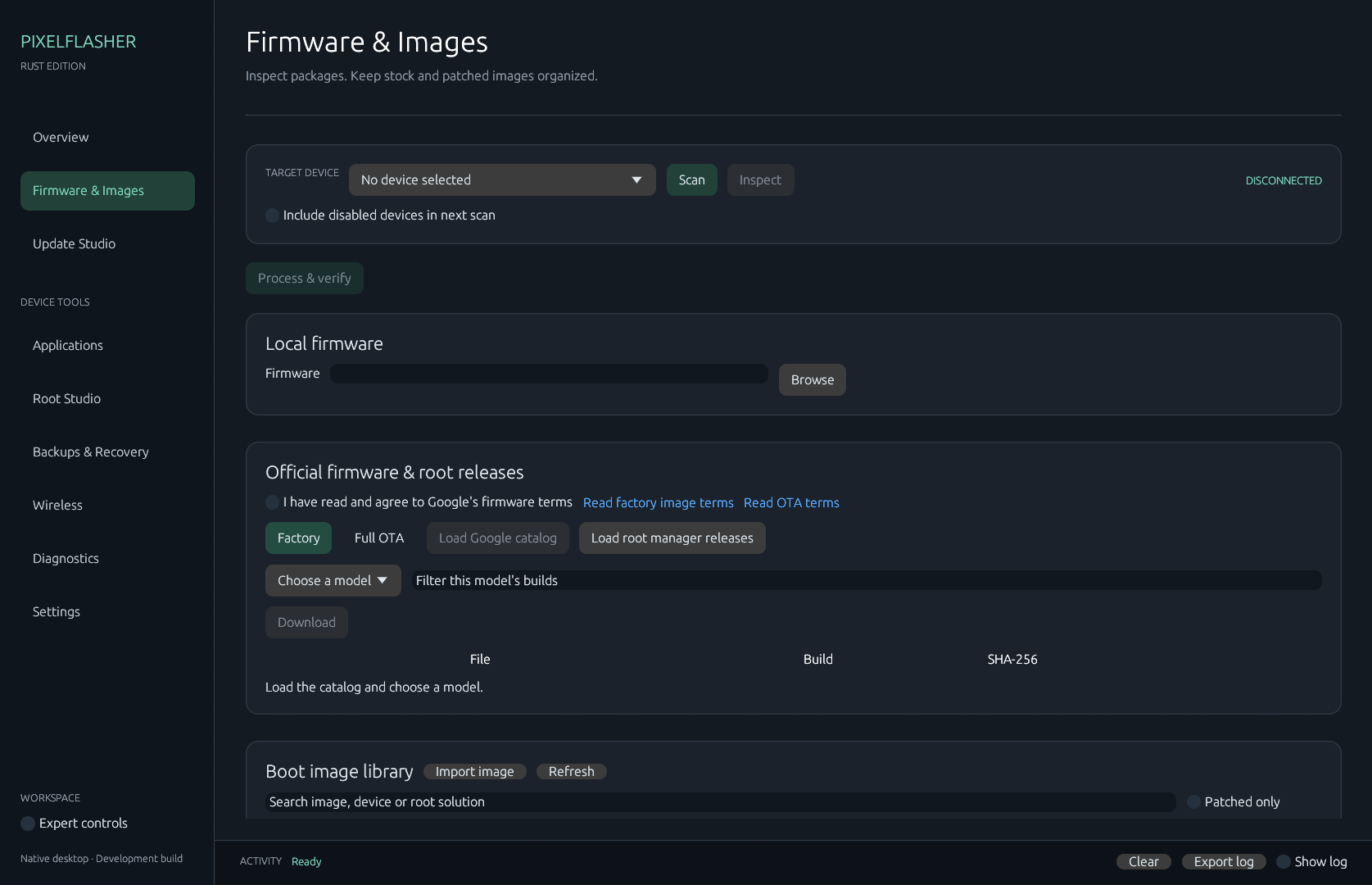
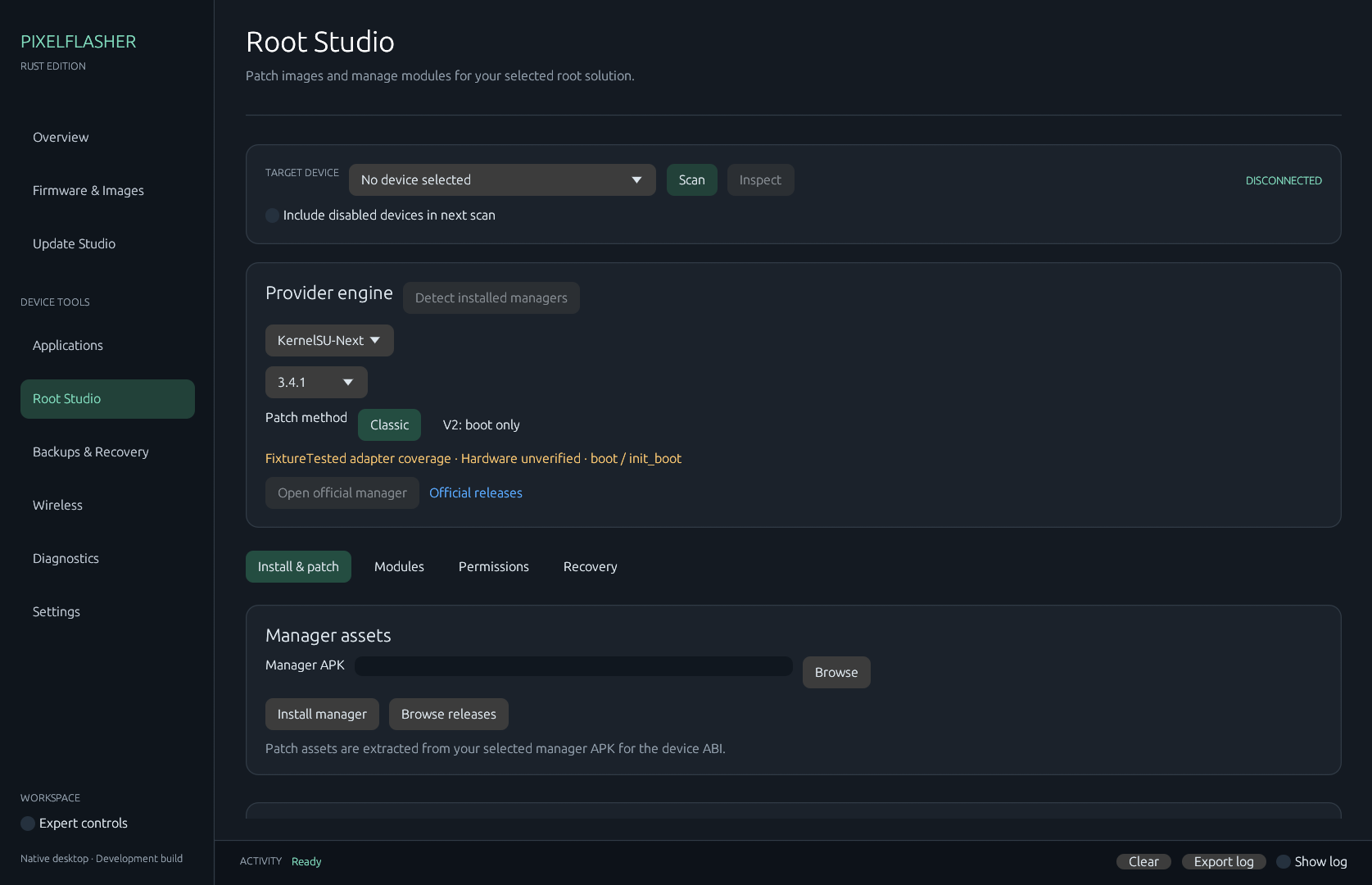
All nine workspaces · Install and first session · What a confirmation does not prove
Check the SHA-256, then point Settings at a folder that has both adb.exe and fastboot.exe.